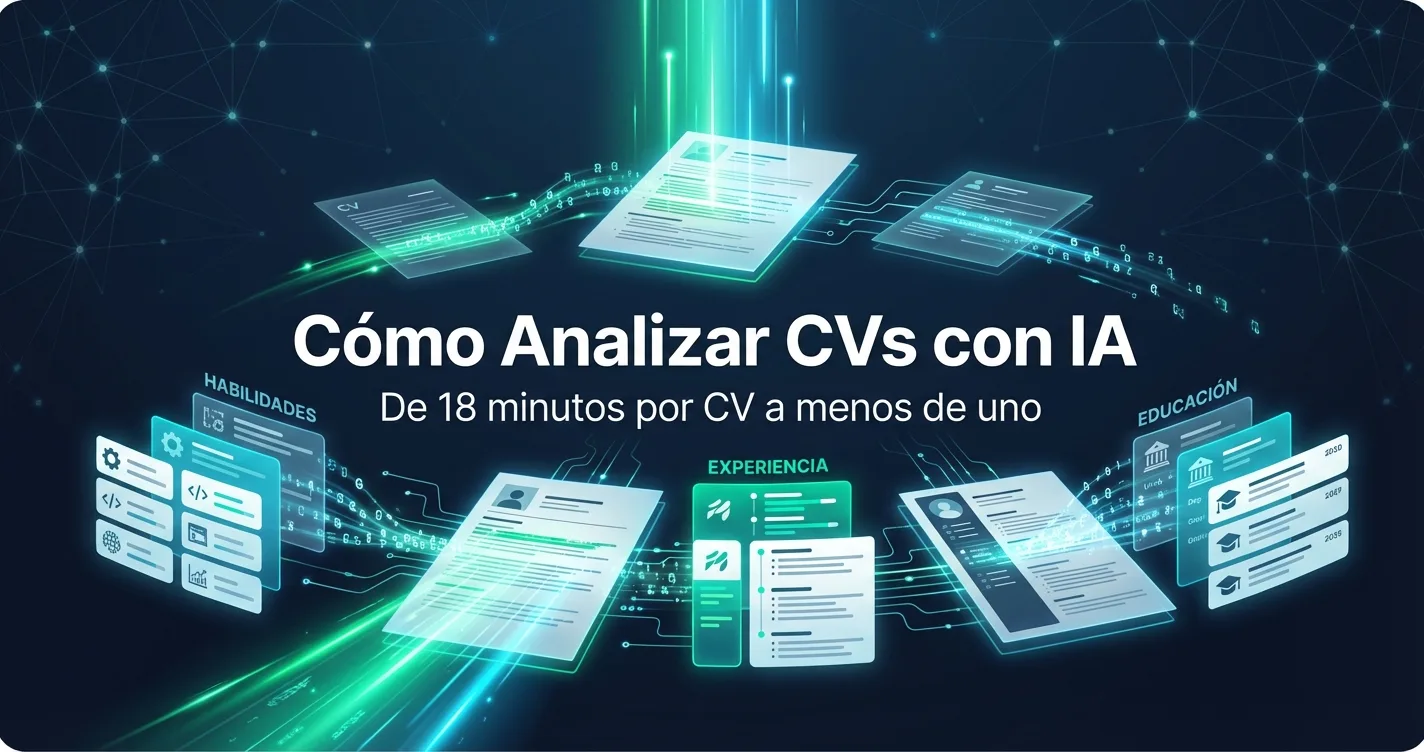
Analyzing CVs with AI is the process that transforms a messy file — PDF, Word, image, whatever — into structured data that's evaluated and ranked against job requirements. You have 200 CVs in your inbox, all for the same position. Some are pristine PDFs, others are phone screenshots, others are Word files with formatting from the '90s. You have to read them all, extract the relevant information, compare them against each other, and decide which ones are worth calling.
If you do this manually, that's between 50 and 60 hours of work. For a single search.
Artificial intelligence eliminates that part of the work. It doesn't simplify it — it eliminates it. The AI reads each CV, extracts the data, structures it, evaluates it against job requirements, and presents an ordered ranking. What used to take you 18 minutes per CV now takes less than one.
And we're not talking about a keyword filter. We're talking about an AI that understands that "I led the SAP migration for 3 industrial plants" implies project management experience, ERP knowledge, leadership, and manufacturing — even though none of those words appear in the text.
If you're looking for a general guide on the complete screening process, start with how to screen candidates with AI. This guide goes deeper into the technical side: how AI reads, understands, and evaluates a CV from the inside.
Contents
- What does it mean to analyze a CV with AI
- Parsing vs. matching vs. AI analysis: the differences
- What types of CVs can artificial intelligence process
- How to implement AI CV analysis step by step
- Common mistakes when analyzing CVs with AI
- The math behind time savings with automated CV analysis
- FAQ about AI CV analysis
What does it mean to analyze a CV with AI
When we talk about analyzing CVs with AI, we're talking about three distinct technical processes that occur in sequence.
CV data extraction (AI parsing)
The AI takes a file — PDF, Word, image, whatever — and extracts structured data. This isn't basic OCR that recognizes letters. It's natural language processing that understands what's a name, what's a job title, what's a company, what's a start and end date, what's a skill, and what's a certification.
The difference from a traditional parser is enormous. Old parsers depended on the CV having a predictable format: "Work Experience" as a section heading, dates in standard format, ordered bullet points. If the candidate used a creative format or a different language, the parser failed.
Modern AI doesn't need a predictable format. It understands context. If someone writes "I worked at Mercado Libre from 2019 to 2022 where I managed performance marketing campaigns for the enterprise segment," the AI extracts: company (Mercado Libre), period (2019-2022, 3 years), area (performance marketing), segment (enterprise), level of responsibility (individual contributor with segment scope).
Semantic evaluation and scoring
With the structured data, the AI compares it against job requirements. Each requirement has a weight, and each data point from the CV contributes (or doesn't) to meeting it.
This isn't a binary "meets / doesn't meet" checklist. It's a nuanced evaluation. If you require 5 years of digital marketing experience and the candidate has 4 years but at a high-profile company with broad responsibilities, the score won't be zero — it will reflect that they're close to the requirement with relevant context.
The most sophisticated systems evaluate semantic relationships. If you require experience in "team management" and the CV says "I coordinated a team of 8 people for the regional launch," the AI understands it's the same thing. A keyword filter wouldn't make that connection.
Intelligent classification and ranking
The final result is an ordered list. Candidate A: 92/100. Candidate B: 87/100. Candidate C: 71/100. And so on down the line.
But the ranking alone isn't enough. What matters is the breakdown: why Candidate A scored 92. Which requirements they exceed, where they're just meeting the bar, and where they have gaps. That lets you make informed decisions instead of blindly following a number. If you want to see how this information is presented in practice, the Academy tutorial AI Screening System shows it in detail.
Parsing vs. matching vs. AI analysis: the differences
These three terms are used interchangeably but they're not the same. And the difference matters when choosing software for CV analysis.
CV parsing is just the first part: extracting data. Traditional ATS systems have been doing this for years. They take the CV, try to pull out name, email, experience, and education, and fill database fields. The problem: they fail with non-standard formats, CVs in other languages, or scanned documents.
Keyword matching is what ATS systems do when they say "filter candidates." They search for exact words from the job description in the CV. If the job asks for "Python" and the CV says "backend development" without mentioning Python, the candidate gets lost. It's a crude filter that discards good candidates for not using the same words.
AI analysis combines all three — extraction, semantic evaluation, and ranking — using language models that understand meaning, not just text. "Backend development with modern frameworks" and "Python/Django with 3 years of experience" are evaluated as relevant for the same role even though they use completely different vocabulary.
If a tool offers you "AI for CVs" but in practice only searches for keywords, you're using 2010 technology with 2026 marketing.
What types of CVs can artificial intelligence process
One of the most common fears is: "My candidates send CVs in every format imaginable — will the AI be able to read them?"
The short answer: yes, if you're using a modern platform.
Standard PDF. The most common format. AI reads it without issues, including PDFs with multiple columns, tables, headers, and footers.
Word (.doc and .docx). Equally easy to process. The advantage is that Word has internal structure that facilitates extraction.
Images (JPG, PNG). This is where modern AI shines. Many candidates send photos of their CV or screenshots. Old parsers couldn't handle this. Current AI uses computer vision combined with NLP to read text from images and understand their structure.
Scanned PDFs. Similar to images — they're PDFs that actually contain an image of the document. AI processes them the same way.
Non-conventional CVs. Designers, creatives, or candidates who use Canva to make CVs with complex layouts. AI handles two-column layouts, infographics, visual timelines, and non-traditionally organized sections.
What still causes issues: corrupted files, one-line CVs that say "attached is my CV" without attaching anything, or password-protected documents. But that's a file problem, not an AI problem.
How to implement AI CV analysis step by step
1. Define job requirements with precision
AI is only as good as the criteria you give it. "Looking for someone in sales" produces generic results. "Looking for a B2B salesperson with 3+ years in SaaS, experience in consultative sales cycles, CRM proficiency (Salesforce or HubSpot), and willingness to travel 30% of the time" produces a precise and useful ranking.
Invest 10 minutes in defining requirements well. Those 10 minutes save you hours of manual filtering later.
2. Upload all CVs at once
Don't filter by hand before uploading. Don't preselect. Upload everything. The beauty of AI analysis is that it can process volume with no marginal cost. If you received 300 CVs, all 300 go in. Let the AI do the first filter, not your inbox.
Modern platforms allow bulk upload via drag & drop, import from job boards, or even automatic email reception. If you're copying and pasting CVs one by one, you're not using the tool correctly. At Skillan Academy you can see tutorials on bulk CV uploading and CSV import to understand the options.
3. Review the ranking, not every individual CV
After processing (which can take from seconds to minutes depending on volume), you'll have your ranking. Don't fall into the trap of reading all the CVs again. The point is you don't have to.
Review the top 15-20 candidates. Read the scoring breakdown to understand why they're in that position. If something doesn't make sense — a clearly strong candidate with a low score or vice versa — adjust the requirements and run the analysis again.
4. Combine with AI interviews to evaluate soft skills
The CV tells you what the candidate did. It doesn't tell you how they think, how they communicate, or how they react under pressure. For candidates who pass the CV screening, the logical next step is an interview — and today that can also be done with AI.
AI voice interviews are a real conversation, not a form. The candidate speaks, the AI listens, asks follow-up questions, and generates a report with scores, strengths, and areas for improvement. It's especially useful for evaluating soft skills like communication, leadership, and critical thinking.
5. Iterate and adjust
The first few times you use AI analysis, spend 15 minutes comparing the results with your own judgment. Does the ranking make sense? Do the scores reflect what you would have evaluated? If there are discrepancies, the requirements probably need adjustment — not the AI.
With each search, you'll calibrate better. After 3 or 4 processes, you'll trust the ranking as a starting point and your work will be purely validation and decision-making.
Common mistakes when analyzing CVs with AI
Defining contradictory requirements
"Junior with 5 years of experience" or "expert in everything" are requirements that confuse the algorithm just as they'd confuse a human recruiter. If your requirements aren't clear or coherent with each other, the ranking won't make sense.
Overweighting formal education
Often "university degree required" is listed as a requirement when what actually matters is the ability to do the job. AI will penalize excellent candidates who don't have a degree if you define it as mandatory. Think about whether it truly is.
Completely ignoring low scores
A candidate with a score of 60 who has experience in a very specific niche you're familiar with may be a better choice than one with 85 from a generic background. The ranking is a prioritization filter, not an automatic eliminator.
Not updating requirements between searches
Every position is different. Copying and pasting requirements from the previous search for a new position produces irrelevant rankings. The 10 minutes you spend personalizing requirements are the difference between useful results and noise.
Processing too few CVs
If you have 200 CVs and only upload 50 because "I already know which ones are good," you're defeating the purpose. AI can find candidates you would never have looked at. Upload everything.
The math behind time savings with automated CV analysis
An average recruiter takes 18 minutes per CV for manual reading and evaluation.
With AI:
- 100 CVs: From 30 manual hours to 20 minutes of processing + 1.5 hours reviewing the top 15 = 1 hour 50 minutes total. Savings: 28 hours.
- 500 CVs: From 150 manual hours (nearly a month of full-time work) to 45 minutes of processing + 2 hours reviewing the top 20 = 2 hours 45 minutes. Savings: 147 hours.
- 1,000 CVs: From 300 hours to under 4 hours. Savings: 296 hours.
Those hours don't disappear — they get redistributed. Instead of reading CVs, the recruiter focuses on interviews, client relationships, offer negotiations, and business development. The parts of the job where human judgment is irreplaceable.
FAQ about AI CV analysis
Can AI read CVs in Spanish?
It depends on the tool. Global platforms are trained primarily with English-language CVs. Platforms focused on Latin America — like Skillan — are trained with over 100,000 real Spanish-language CVs from the region, which significantly improves accuracy for local job titles, institutions, and career paths.
Can AI be biased when analyzing CVs?
AI doesn't have emotional biases or fatigue, but it can reflect biases present in training data. Responsible platforms design their algorithms to evaluate skills and experience, not personal characteristics like name, gender, or age. This generally results in a more objective process than human review.
Do I need to change my entire hiring process?
No. AI CV analysis only replaces the manual part of reading and comparing. Your interview process, cultural evaluation, and final decision remain exactly the same. You just reach that stage faster and with better information.
What if the AI makes a mistake?
It makes fewer mistakes than a human reading 200 CVs in a row, but it's not perfect. That's why the best systems give you transparency: you can see why each candidate got the score they got. If you spot an error, adjust the requirements and run it again. AI improves with better instructions.
How much does AI CV analysis software cost?
Platforms range from $15/month (basic parsing-only tools) to $800+/month (complete platforms with screening, AI interviews, and dashboards). The cost is justified by comparing against the man-hours you save: if you save a recruiter 20 hours per week, the tool pays for itself the first month. Check plans and pricing to see specific options.
Conclusion
Analyzing CVs with artificial intelligence isn't a luxury or a future promise — it's the most efficient way to process volume today without sacrificing quality.
Recruiters who still read CVs manually are doing by hand something a machine does better, faster, and more consistently. Not because they're bad recruiters — because the tool didn't exist before and now it does.
Implementing it doesn't require changing your entire process. It's adding a layer of intelligence that does the heavy lifting so you can focus where you really make a difference: on decisions, on interviews, on the professional judgment that no AI can replace.
Want to try it? Skillan analyzes CVs with AI and automatically cross-references them against your job requirements. Upload up to 200 CVs at once and receive a ranking in minutes. Try it free — no credit card required.
Keep reading
- AI candidate screening: step-by-step guide — The complete screening process, from CV upload to the final decision.
- How to evaluate soft skills with AI — What the CV doesn't tell you: communication, leadership, and critical thinking measured with AI.